Custom Packaging Sleeves & Printed Insert Cards
Custom packaging sleeves can add branding or a version-specific message around an existing box or product pack. Printed insert cards serve a different role: instructions, product information or a useful message inside the package. Plan the sleeve's physical fit and the card's content separately, then coordinate both with the packing sequence and artwork version.
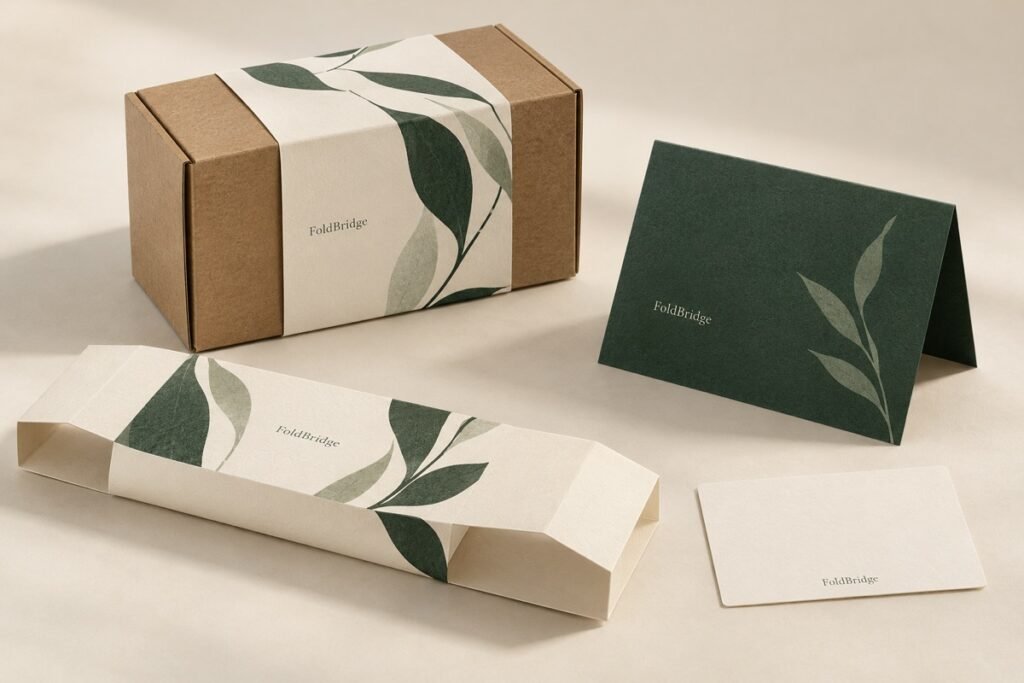
See the packaging in context
Explore presentation, component relationships and material direction. Confirm production specifications through project-specific samples.
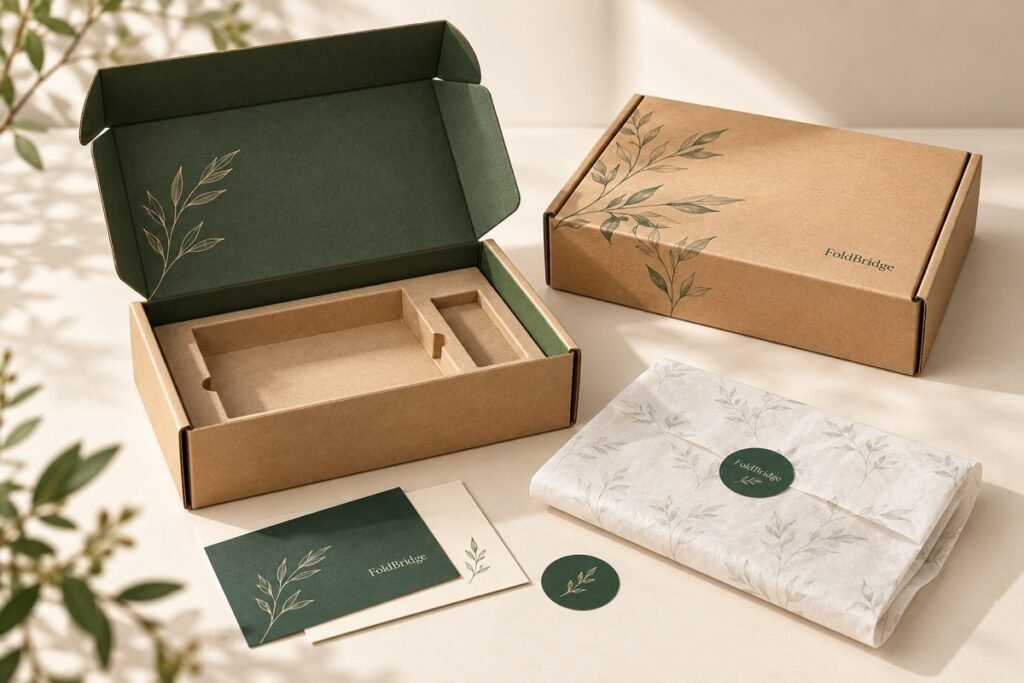
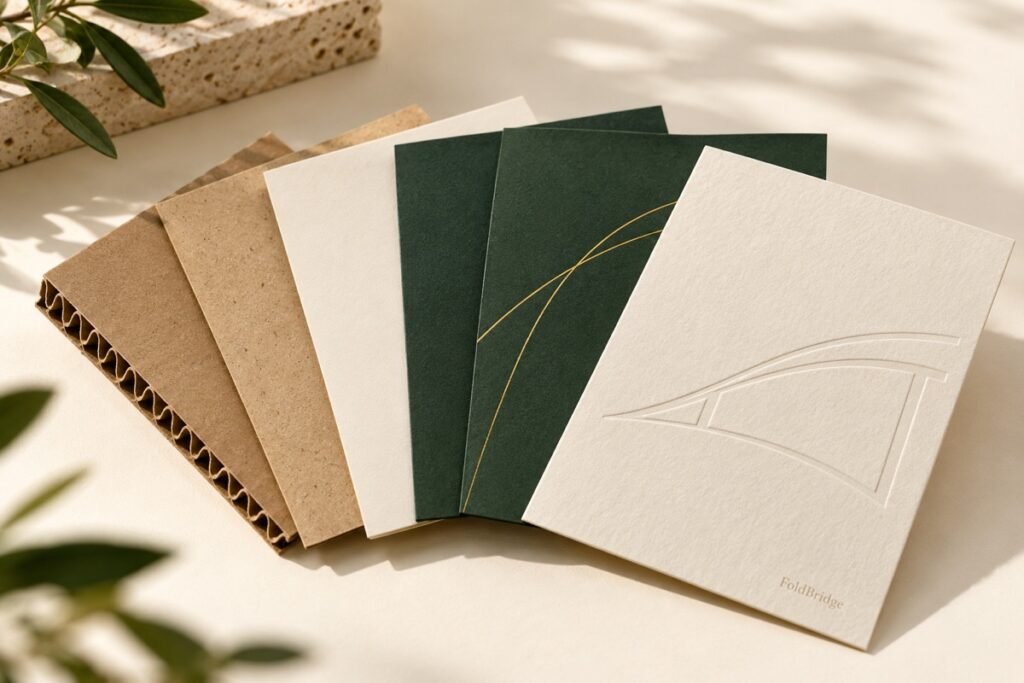
Choose the accessory by its job
Swipe across the table to compare all details.
| Option | When to consider it | What to check |
|---|---|---|
| Box sleeve | A sleeve surrounds the finished box and can carry a range or campaign design. | Measure the actual outer box; review sliding fit and seam position. |
| Belly band | A narrower band can hold a message or group a pack visually. | Confirm whether it has a structural function or is purely decorative. |
| Instruction card | A separate card presents information used after opening. | Check readability, content version and its position within the pack. |
| Thank-you or offer card | A brand message can be changed independently of the main box. | Keep campaign dates, links and quantities controlled so old versions are not packed. |
Manage physical fit and information fit
For a custom box sleeve, provide the assembled box dimensions and any finishing that changes the surface. Review how the sleeve slides on, where the seam sits and whether it obscures information that must remain visible. Approve the sleeve on a representative finished box, not an unrelated measurement model.
For insert cards, begin with the information that must be read. Set the card dimensions around the actual text, illustrations and packing space. A small card with too much content creates a reading problem; moving less essential information to a maintained destination may be more useful than reducing everything to tiny type.
Use a component list to identify which card or sleeve belongs with each SKU. A shared box can have different outer messages or inserts, but that flexibility also creates version-control work. Record the approved artwork and retire superseded files from the packing instructions.
What we will work through.
| Format | Flat cards, folded inserts or fitted sleeves according to the message and pack-out. |
|---|---|
| Fit | Sleeves require actual outer-box dimensions and allowance for board thickness and assembly. |
| Stock | Choose stiffness, surface and print finish in relation to the rest of the system. |
| Artwork | Use final, proofread copy with legible type and adequate safety margins. |
| Variants | List language versions, SKU quantities and artwork filenames to avoid mix-ups. |
Compare the complete quotation
Quote sleeves and cards as separate components with their own sizes, stocks, print sides, finishes and quantities. For a seasonal update, compare the cost of the accessory with any additional assembly and storage requirements. A lower printed unit price does not automatically mean a lower total packing cost.
Questions before you commit
Can a sleeve update packaging without replacing the box?
It can be considered when the existing box still fits the product and the new sleeve does not hide necessary information or interfere with use. Review the assembled sample and artwork together. Treat the change as a new component approval rather than an automatic fit.
Should cards and sleeves share one artwork file?
Keep separate production files and version identifiers for components with different dimensions or functions. They can share a design system, but each needs its own approved content and placement. A component matrix helps the packer match the correct versions to each SKU.
How do I measure a sleeve for an existing box?
Use the finished box dimensions and identify where the sleeve should sit. Include the box material and any surface finish that affects sliding. Check a physical sleeve on the actual box for assembly, removal and movement, and link its dieline to the box revision.
Can a packaging sleeve fit several box sizes?
A sleeve is usually developed around a defined geometry. Compare each proposed box size and review whether the design remains secure and looks intentional. Avoid assuming one dieline will fit multiple formats; confirm the arrangement with samples and separate revisions where needed.
What artwork checks matter for insert cards and QR codes?
Confirm trim size, folds, safe areas, artwork revision and the approved wording. Test the intended QR destination and review scanning on a representative printed sample. Keep the code’s purpose clear, and repeat the relevant checks if size, finish or print conditions change.
Should insert cards be flat or folded?
Choose the format around the message, box space and packing operation. A folded card offers more surfaces but adds orientation and handling decisions. Review how the card is placed and revealed in the complete pack, then confirm the finished size and folding requirements.
Make the next decision with a clear brief
Share the product, quantity per SKU, destination and the questions still open. Specifications, costs and timing are confirmed after project review.